
This post contains affiliate links. We may earn a small commission when you buy through our links — at no extra cost to you.
Travelers often face hotel Wi‑Fi that’s unsecured, limits devices, and demands repeated logins on each gadget. Paying for premium access or juggling multiple connections is frustrating, and public networks expose your data to snooping.
Not all portable hotspots are routers, and not all routers work without a SIM. This guide cuts through the confusion to match you with the right tool—whether you want a pocket VPN that turns any hotel connection into a private network, a 5G hotspot for cross‑country trips, or something in between.
Because the best option for a camper van isn’t the same as for a business traveler, we focus on real‑world reliability, captive portal handling, and the hidden cost of data plans—so you pick the device that actually keeps you connected where it counts.



Best for Hotel Wi‑fi Security
GL.iNet Beryl AX
Key Features
- Cellular Capability: None (Wi‑Fi/Ethernet only)
- Wi‑Fi Generation: Wi‑Fi 6 (AX3000)
- VPN Support: OpenVPN, WireGuard (300 Mbps)
- Battery & Power: USB‑C, power bank
- Price: Mid-Range
The GL.iNet Beryl AX handles captive portal logins once and shares the connection securely with every device you carry, pushing VPN throughput up to 300 Mbps over WireGuard. OpenVPN and WireGuard clients are pre‑installed and work with over 30 providers, so secure tunneling starts with minimal configuration. The pocket‑sized frame weighs just 196 g and disappears into any bag, while Wi‑Fi 6 keeps speed consistent across multiple devices.
Hotel and Airbnb networks that frustrate single‑device logins are handled behind the scenes. The router detects captive portals, completes the sign‑in, and protects all connected gear with encrypted DNS and ad blocking via AdGuard Home. Parental controls and a curated plugin library add functionality without destabilizing the core experience. A 2.5G WAN port, 1G LAN, and USB 3.0 port provide enough headroom for wired uplinks and file sharing when the trip demands more than wireless alone.
The Beryl AX is aimed at travelers who have access to an existing internet source — hotel Wi‑Fi, Ethernet, or phone tethering. It requires no separate data plan and condenses a multi‑device VPN setup into one box. It will not suit scenarios where you routinely lack any incoming signal; a dedicated cellular hotspot like the RoamWiFi fills that gap. The initial setup takes a few minutes through the web admin panel, after which daily use is essentially transparent.
Sticking with the pre‑configured VPN and captive portal flow keeps the device effortless. The underlying OpenWrt operating system gives advanced users room to customize routing rules, install packages, and build out a portable home network — though this depth remains optional. Pairing the Beryl AX with a phone’s hotspot or an Ethernet jack routinely draws less hassle than wrestling with public Wi‑Fi directly, especially for remote workers juggling sensitive data across borders.
Pros
- Re‑connects to captive portal Wi‑Fi once and provisions a private network for every device, sidestepping hotel login frustrations.
- WireGuard VPN throughput reaches 300 Mbps with minimal setup, compatible with 30+ providers out of the box.
- Stays rock‑solid across hotels, Airbnbs, and public hotspots without dropping connections.
- Compact, lightweight metal frame holds up to constant travel and fits in any pocket.
- AdGuard Home, parental controls, and a curated plugin library add meaningful utility without destabilizing the core.
Cons
- Unlocking advanced OpenWrt customization requires networking knowledge beyond the quick‑start guide.
For anyone who can feed it an internet signal, the Beryl AX is the travel router that prioritizes security and simplicity above all else, backed by years of refinement.
Best for Power User Tweaking
GL.iNet Slate 7
Key Features
- Cellular Capability: None (Wi‑Fi/Ethernet only)
- Wi‑Fi Generation: Wi‑Fi 7 (BE3600)
- VPN Support: OpenVPN, WireGuard (540+ Mbps)
- Battery & Power: USB‑C, power bank
- Price: Mid-Range
The Slate 7 upgrades the travel router formula with Wi‑Fi 7 (BE3600) and a pair of 2.5G ports, a hardware platform that outruns the Beryl AX’s gigabit ceiling. The touchscreen simplifies captive portal logins at hotels and allows quick VPN toggles without reaching for a phone. WireGuard throughput can exceed 1100 Mbps in ideal conditions, making it viable for multi‑stream VPN workloads that would bottleneck lesser travel routers.
Captive portal handling is automatic — a quick tap on the touchscreen logs you in without fumbling with a phone. The 2.5G WAN port eliminates the common gigabit bottleneck when using fast wired internet, and VPN throughput holds strong enough for multiple remote‑work sessions. The touchscreen also keeps you from needing a separate device just to manage the connection, a meaningful convenience in tight travel scenarios.
This is a router for advanced users who treat their travel kit as an extension of a pro‑grade home network, not a grab‑and‑go hotspot. You’ll get more out of it if you’re already familiar with OpenWrt or want to learn. The trade‑offs: it’s noticeably larger and pricier than the Beryl AX, and the touchscreen‑heavy workflow can feel excessive if all you need is a password‑free Wi‑Fi bubble. If that’s you, the Beryl AX will serve you better with less bulk and a gentler learning curve.
Pros
- Stable, fast connections over Wi‑Fi 7 and wired 2.5G, even under heavy loads
- WireGuard VPN speeds up to 1100 Mbps with straightforward setup
- Seamlessly handles captive portals at hotels, Airbnbs, and Xfinity hotspots
Cons
- Larger and heavier than ultra‑portable routers, demanding more space in a carry‑on
- Touchscreen and OpenWrt interface require more technical comfort than simple app‑based routers
For those already comfortable with the Beryl AX who want faster throughput and on‑device controls, the Slate 7 is a well‑executed upgrade — just be prepared for its larger footprint and the extra cost.
Best for International Travel
RoamWiFi 5G Pro
Key Features
- Cellular Capability: 5G (Cloud SIM, global)
- Wi‑Fi Generation: Wi‑Fi 6
- Battery & Power: 5000mAh
- Price: Premium
The RoamWiFi 5G Pro puts 5G speeds in your pocket across 170+ countries right out of the box, preloaded with 11GB of data and no physical SIM to swap. Where ultra‑premium alternatives chase multi‑gigabit throughput, this hotspot prioritizes simplicity and immediate usability, turning on and connecting up to 16 devices the moment you land.
The 5000mAh battery handles a full day of light browsing, email, and navigation, though continuous video streaming will shorten that runtime. Connection stability holds even in remote areas, and the companion app makes monitoring usage and topping up data plans a quick task without digging through carrier websites.
Frequent international travelers and families who want a single, instant hotspot for multiple devices will find the RoamWiFi 5G Pro solves the biggest headache of arriving abroad: getting online fast. If your trips keep you near trusted hotel or café Wi‑Fi and you already own a travel router, the ongoing data top‑up costs may outweigh the convenience — the included 11GB disappears quickly under steady streaming, and refills carry a premium price.
Pros
- 5G connectivity in 170+ countries, ready the moment you power it on — no SIM swaps or local registration.
- Stable connection in remote locations while easily sharing to up to 16 devices.
- Companion app simplifies buying data plans and monitoring consumption in real time.
- Battery lasts through a day of light‑to‑moderate use, matching typical travel rhythms.
Cons
- Data top‑ups can be pricey for streaming‑heavy use; the included 11GB depletes faster than some may expect.
For globe‑trotters who value instant, no‑fuss connectivity over the lowest per‑gigabyte cost, the RoamWiFi 5G Pro eliminates the scramble for local SIMs wherever you land.
Best for Blazing Speed
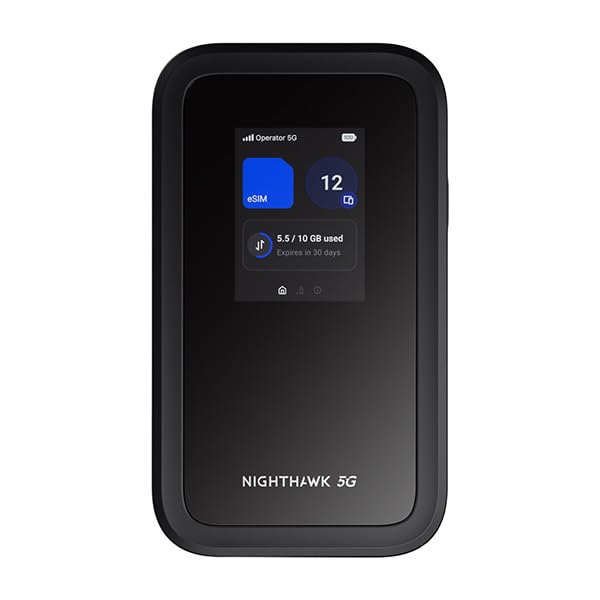
NETGEAR Nighthawk M7
Key Features
- Cellular Capability: 5G/4G LTE (eSIM/SIM)
- Wi‑Fi Generation: Wi‑Fi 7
- Battery & Power: 10-hour (claimed)
- Price: Luxury
The M7 pairs a 5G modem with Wi‑Fi 7 to create a pocket‑sized access point that can push 3.6 Gbps to up to 32 devices. That’s enough throughput for multiple 4K streams or a multi‑player gaming session, all without a wired connection. Unlike data‑preloaded travel hotspots that emphasize easy global connectivity, the M7 assumes you bring your own SIM or eSIM plan—unlocking top‑tier speeds on AT&T, T‑Mobile, or Verizon.
When 5G signal is strong, the M7 rivals a home fiber connection. Downloading large files or streaming UHD video feels effortless. The web‑based dashboard and NETGEAR mobile app keep data usage visible, helping avoid overage charges. This performance peak comes with practical tradeoffs: battery life may not reach the advertised 10 hours, especially in 5G mode, and in marginal coverage areas the connection can drop and not automatically recover without a reboot.
This is built for power users who need the highest available throughput for remote work, live streaming, or gaming, and who already have a cost‑effective data plan. It’s less suited for travelers who prioritize all‑day battery life or who roam in areas with patchy coverage; those situations may find the M7 asking for a midday charge or a manual restart. Pair it with a power bank and you’ll get the speed without constantly watching the battery gauge.
Pros
- Sturdy build quality that stands up to daily travel
- NETGEAR app delivers clear setup and data usage monitoring
- Multi‑gigabit speeds when 5G signal is strong
Cons
- Battery life may fall well below 10 hours when using 5G, requiring a midday charge
- Connection stability can vary; some units may need a manual reboot after dropping
For power users who demand raw cellular-to-Wi‑Fi speed and don’t mind staying near a power source, the M7 is the fastest pocket hotspot you can buy.
Best for App‑managed Wi‑fi 7
TP-Link Roam 7 BE3600
Key Features
- Cellular Capability: None (Wi‑Fi/Ethernet only)
- Wi‑Fi Generation: Wi‑Fi 7 (BE3600)
- VPN Support: OpenVPN, WireGuard
- Battery & Power: USB‑C, power bank
- Price: Mid-Range
Stepping up from entry-level Wi-Fi 6 travel routers, the Roam 7 adds a 2.5G WAN port and the latest Wi-Fi 7 standard—unlocking faster wired backhaul and more efficient wireless throughput on the 2.4 and 5 GHz bands. Setup through the Tether app is frictionless for common tasks like connecting to hotel Wi-Fi, jumping through captive portals, or activating a WireGuard tunnel. The compact frame travels easily, and USB-C power means it can run off a power bank or laptop port without a dedicated brick.
This router targets early adopters and frequent travelers who want Wi-Fi 7 in TP-Link’s ecosystem. It’s a strong fit when you frequently plug into hotel Ethernet or a dock with the 2.5G port. There’s no built-in cellular modem, so you’ll need an existing internet source—hotel Wi-Fi, wired LAN, or a phone hotspot. Long-term reliability hasn’t been established to the level of the Beryl AX, so it’s best for those who can tolerate the occasional reboot or prefer the Tether app over OpenWrt. If your travels demand unshakeable uptime, a more battle‑tested router will absorb less of your attention.
Pros
- Compact design delivers strong dual-band speed and signal in a travel‑ready package.
- Tether app streamlines setup, letting you configure captive portals and VPN profiles with minimal effort.
- Built-in OpenVPN and WireGuard support secures public Wi-Fi with a few taps, no separate VPN apps needed on every device.
- USB-C power input accepts any power bank or laptop port, eliminating proprietary chargers on the road.
Cons
- Lacks 6 GHz support, so you won’t access the full Wi-Fi 7 spectrum—though most travel networks still operate at 2.4 or 5 GHz.
- Stability can be inconsistent; occasional disconnects may require a reboot to restore service.
If you’re comfortable adopting Wi‑Fi 7 early and value TP‑Link’s app‑driven ease of use, the Roam 7 secures public connections with strong throughput at a fair price—just bring a backup tethering plan for extended stays.
Best for All‑in‑one Travel
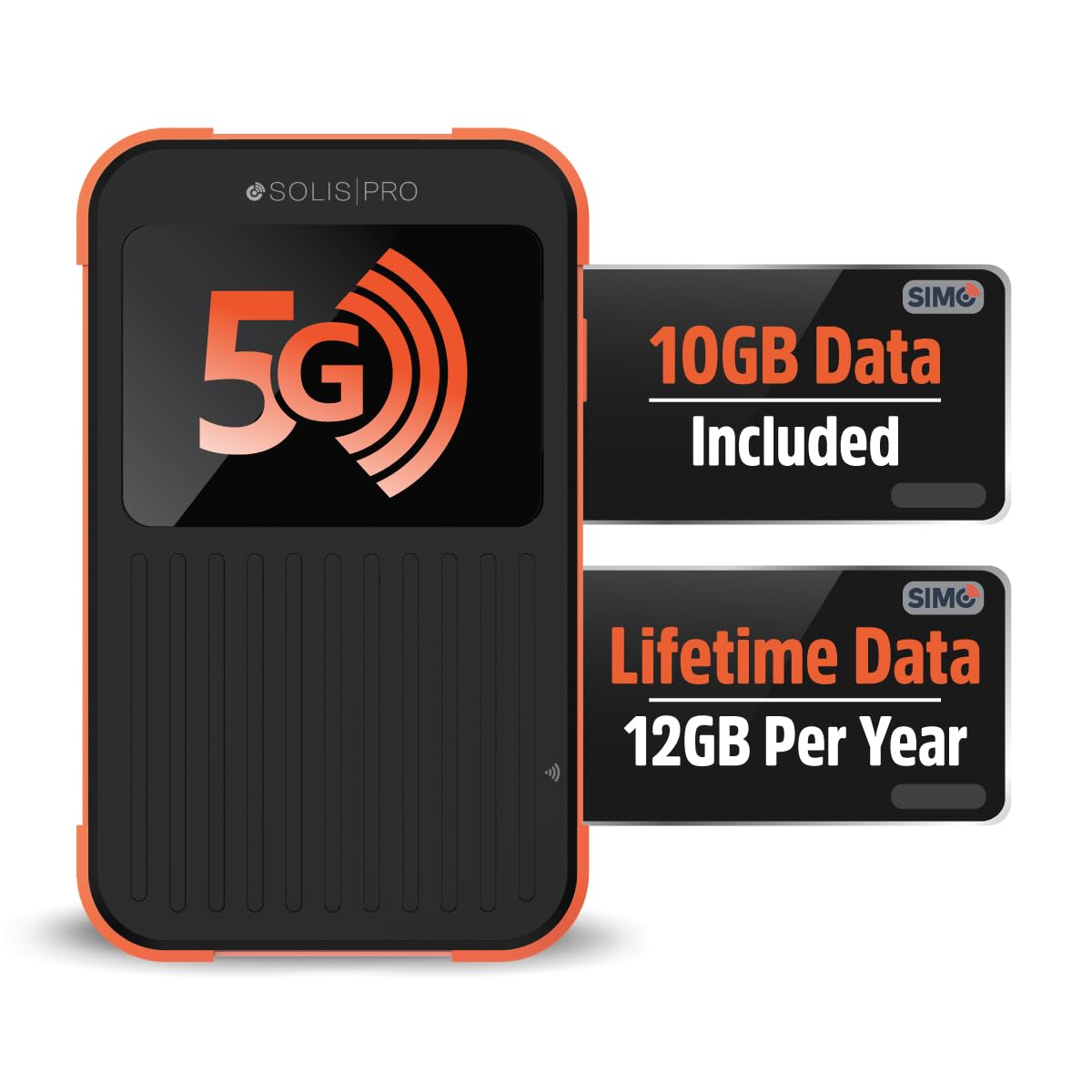
SIMO Solis Pro
Key Features
- Cellular Capability: 5G (multi‑carrier, no SIM)
- Wi‑Fi Generation: Wi‑Fi 6E
- Battery & Power: 8000mAh (power bank)
- Price: Premium
The 8000mAh battery doubles as a power bank, and the built‑in 5G eSIM eliminates SIM cards and contracts—turn it on, connect, and you’re online. A touchscreen makes managing connections and checking data usage effortless from the device itself, without needing the companion app for every adjustment.
Setup is nearly instantaneous, and the multi‑carrier access taps into local networks automatically, so you don’t hunt for Wi‑Fi or swap physical SIMs at each border. The power bank function means you can top up a phone while staying connected, cutting down on the number of gadgets in your daybag.
Casual travelers who want a single device to keep phones charged and share a connection across a laptop and tablet will appreciate the grab‑and‑go design. Heavy streamers or remote workers, however, will hit the limits fast: the included 1GB/month only covers basic browsing and messaging, and data speeds can be inconsistent in fringe coverage or congested areas. Once you exceed the allowance, top‑ups get pricey, so this works best as a lightweight companion rather than a primary internet source.
Pros
- Plug‑and‑play connectivity—turn on and connect with no SIM or plan setup needed.
- Keeps streaming and light work running smoothly even in rural locations.
- All‑in‑one travel companion with a massive battery that powers your devices and the hotspot.
Cons
For light-duty travel where convenience outweighs raw throughput, this all‑in‑one device keeps you online and powered up without any setup headaches.
Best for Media Sharing
TP-Link Roam 6 AX3000

Key Features
- Cellular Capability: None (Wi‑Fi/Ethernet only)
- Wi‑Fi Generation: Wi‑Fi 6 (AX3000)
- VPN Support: OpenVPN, WireGuard
- Battery & Power: USB‑C, power bank
- Price: Mid-Range
The TP-Link Roam 6 AX3000 packs serious hardware: Wi-Fi 6 speeds, a 2.5G port, and a USB 3.0 port plus microSD slot for turning it into a portable NAS. That hardware makes it ideal for travelers who want to share files across devices without a cloud connection. However, the setup can be tricky, particularly with captive portal logins, and reliability varies — some units may disconnect unexpectedly or stop working after a few months. This tradeoff places it a step behind more polished travel routers that sacrifice media features for a simpler experience.
Pros
- Fast Wi-Fi 6 speeds handle video streaming and file transfers smoothly.
- Compact and light enough to toss into any bag without adding bulk.
- MicroSD and USB 3.0 allow local media sharing, reducing dependence on cloud storage.
Cons
- Captive portal authentication can be unintuitive, requiring patience or workarounds.
- Long-term reliability may be inconsistent; some units can develop disconnections or stop functioning.
If local file sharing and media features outweigh the need for a setup-free, highly consistent connection, the Roam 6 rewards those willing to troubleshoot with unique portable NAS capabilities.
Best for Light Travel
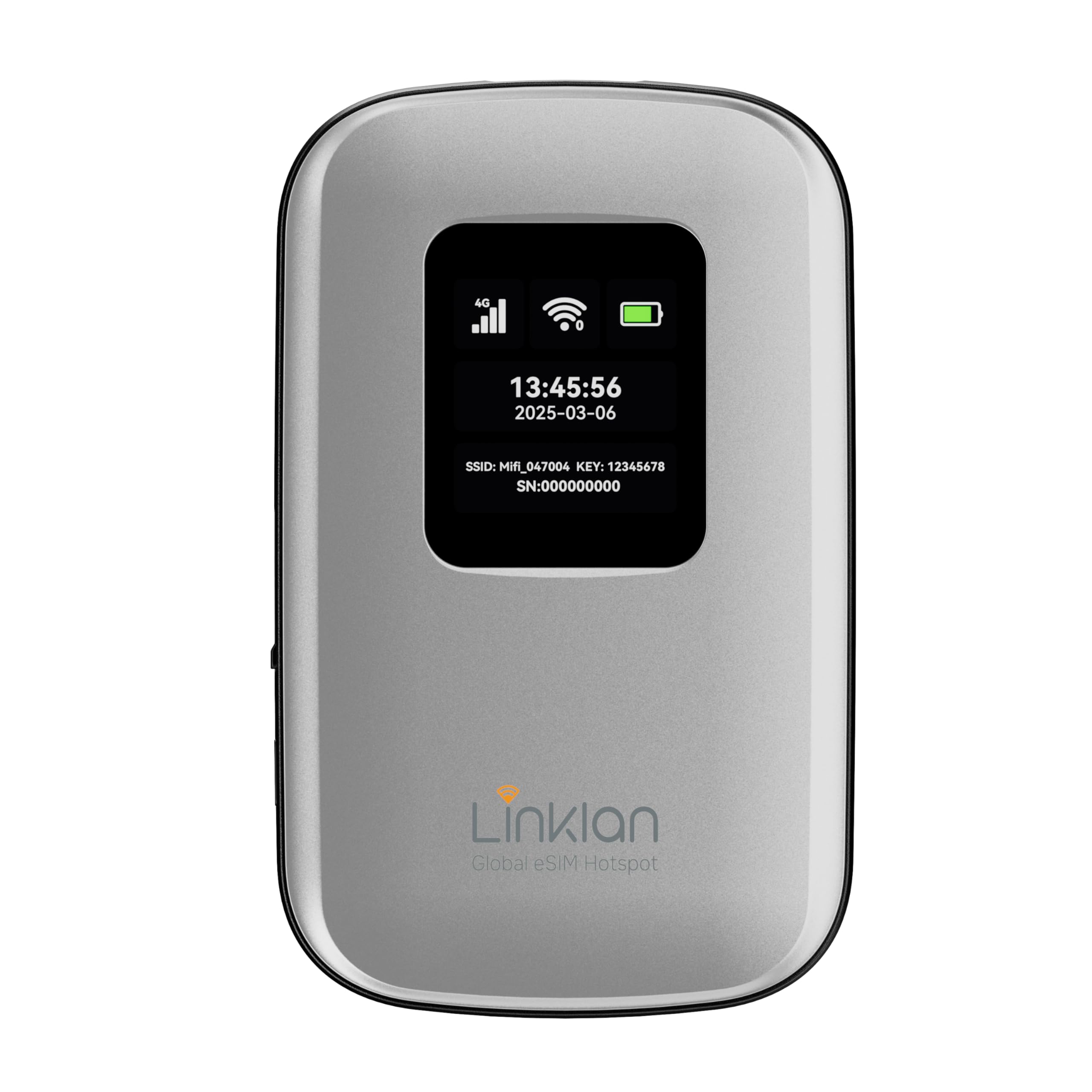
Linklan LA7 eSIM
Key Features
- Cellular Capability: 4G LTE (eSIM global)
- Wi‑Fi Generation: Wi‑Fi 4 (single-band)
- Battery & Power: 5000mAh, 12h
- Price: Mid-Range
The Linklan LA7 eSIM packs 4G LTE global coverage and a 5000mAh battery into a palm-sized body, making it a grab-and-go companion for international trips. eSIM activation is quick—scan a QR code and you’re online across 180+ countries—and the battery keeps up to 16 devices connected for a full day of basic tasks. That convenience comes with a speed ceiling: single‑band 2.4 GHz Wi‑Fi and the 4G modem deliver enough throughput for email, maps, and messaging, but video calls or streaming on multiple devices will feel constrained. This isn’t a dealbreaker for the occasional traveler who simply needs a duty‑free hotspot; it only becomes a limitation if you’re trying to replace a 5G home broadband setup on the road.
Pros
- Hassle‑free eSIM activation and steady connectivity simplify travel in 180+ countries.
- Pocket‑sized design with a long‑lasting 5000mAh battery that easily covers a full travel day.
Cons
- Limited to 4G LTE and single‑band 2.4 GHz Wi‑Fi, capping speed for video streams and large downloads.
If your travel connectivity rarely goes beyond email and social media, the LA7 eSIM’s compact frame and built‑in eSIM keep you online without contracts—just don’t expect HD streaming or heavy file transfers.
Best for Preloaded Data
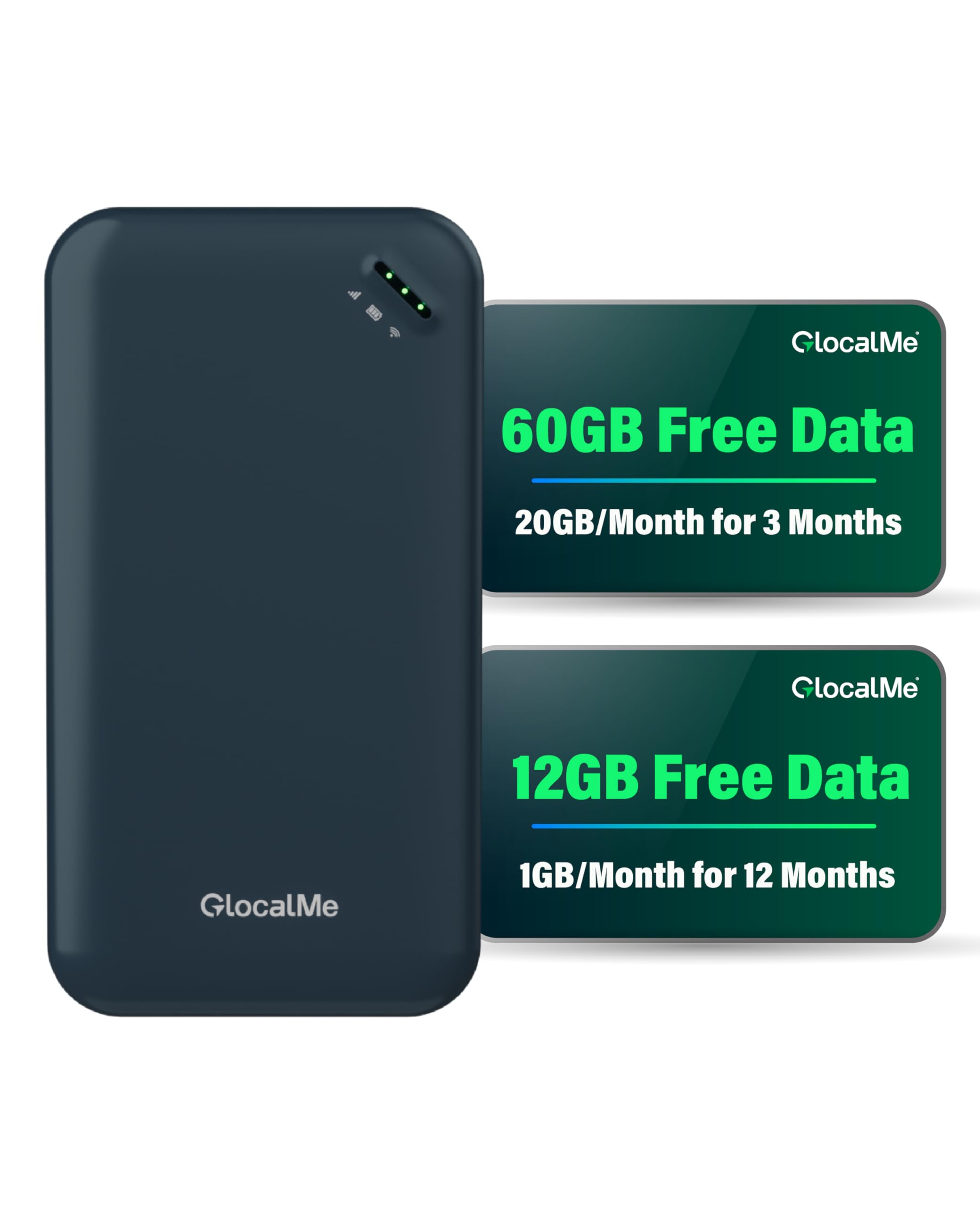
GlocalMe UPP
Key Features
- Cellular Capability: 4G LTE (Cloud SIM global)
- Wi‑Fi Generation: Wi‑Fi 5 (single-band)
- Battery & Power: 3000mAh
- Price: Mid-Range
The GlocalMe UPP delivers 72GB of preloaded data (60GB for US use, 12GB global) that activates the moment you power it on. No SIM cards, no registration — just a pocket-sized hotspot that works in over 200 countries. Connecting up to eight devices is as simple as scanning the sticker on the back.
Refilling data gets pricey quickly, and the 3000mAh battery struggles to last a full day of sightseeing. The single-band 2.4 GHz Wi-Fi and 4G LTE modem mean speeds feel dated next to modern 5G hotspots. This is a convenience device for occasional travelers checking maps and sending messages, not for streaming or video calls.
Pros
- Works immediately out of the box with preloaded 60GB US and 12GB global data — no app downloads or account setup required.
- Compact, lightweight design with coverage in 200+ countries keeps you connected for basic tasks across most travel destinations.
Cons
- Battery life may drain within a few hours of continuous use, so all-day outings require a power bank.
- Single-band 2.4 GHz Wi-Fi and 4G LTE can feel sluggish when several devices are connected, especially in areas with 5G coverage.
The GlocalMe UPP suits occasional tourists who want zero-config connectivity for maps and messaging across many countries, but travelers needing faster speeds or more cost-effective long-term data will be better served by other options.
Best for Budget Vpn Router
TP-Link Roam 6 AX1500

Key Features
- Cellular Capability: None (Wi‑Fi/Ethernet only)
- Wi‑Fi Generation: Wi‑Fi 6 (AX1500)
- VPN Support: OpenVPN, WireGuard
- Battery & Power: USB‑C, power bank
- Price: Budget
This router delivers Wi-Fi 6 and OpenVPN/WireGuard support at a price that’s hard to beat. Setup through the Tether app is quick, and connecting to hotel Wi‑Fi with a captive portal is painless. Speeds are adequate for streaming and multitasking across a few devices. However, the connection to public Wi‑Fi can drop unexpectedly, and a small number of units may restart on their own. The top pick offers more consistent connectivity, making this a better fit for casual use where an occasional reconnect won’t disrupt critical work.
Pros
- App-based setup walks you through hotel captive portals without technical hassle.
- Wi-Fi 6 throughput handles streaming and light work across several devices simultaneously.
- OpenVPN and WireGuard built in for encrypted browsing on public networks.
Cons
- Wi‑Fi connection to public networks may randomly drop, requiring a manual reconnect.
- Some units restart without warning or become unresponsive after a reboot, risking interruption during video calls.
Worth considering if budget is the top priority and you mainly stream or browse in hotels, but anyone who needs uninterrupted connection for work should look to the top pick for stability.
How to Choose
The biggest decision is whether you need a built‑in cellular connection or can rely on hotel Wi‑Fi and phone tethering—this choice dictates the type of portable hotspot you should buy.
Cellular Capability
Travel routers connect to an existing internet source—hotel Wi‑Fi, Ethernet, or a phone’s hotspot—and then broadcast a new, secure network. They have no SIM slot, so they can’t go online without that first signal. Cellular hotspots, on the other hand, carry their own 4G or 5G modem and accept a physical SIM or eSIM, giving you internet anywhere there’s cell coverage.
The trade‑off is cost: cellular hotspots demand a paid data plan, and top‑ups for heavy streaming get expensive quickly. Travel routers are cheaper to run because they piggyback on free or already‑paid connections, but they’re useless in a place with no internet at all. If you mostly stay in hotels or Airbnbs, a router is more economical; for road trips or remote cabins, a cellular hotspot makes sense.
Wi‑Fi Generation and Real‑World Speed
Newer Wi‑Fi 7 and 6E standards promise faster speeds, but the real bottleneck is usually the internet source itself. A hotel’s aging 2.4 GHz network won’t suddenly deliver gigabit speeds just because your router supports Wi‑Fi 7.
Where a modern radio helps is within your own network: transferring files between devices or running a VPN that decrypts and re‑encrypts traffic rapidly. For most travelers, a stable Wi‑Fi 6 router is sufficient; Wi‑Fi 7 buys headroom for future networks and multi‑gig wired ports that can future‑proof your setup.
VPN Support
A built‑in VPN client encrypts all traffic between your device and the internet, preventing anyone on the same public network from snooping. Travel routers with OpenVPN and WireGuard let you import a config file from your VPN provider and route all connected gadgets through a secure tunnel automatically.
WireGuard is lighter and faster—ideal for travel routers with modest processors—often hitting 300 Mbps or more, while OpenVPN can cap around 50 Mbps on older hardware. If you handle sensitive work or banking on the road, a router with easy VPN setup is non‑negotiable.
Battery Life and Power Flexibility
Cellular hotspots pack internal batteries (3000–8000mAh) that last anywhere from a few hours to a full day, but heavy 5G use drains them fast. Travel routers typically draw power over USB‑C from a wall adapter or a power bank—no internal battery, which means they stay on as long as you have a USB power source.
That also means a travel router can’t operate cord‑free unless you attach a power bank. For all‑day use on the move, a hotspot with its own battery is more convenient, but a router tied to a power brick never dies mid‑session as long as the outlet is live.
Number of Simultaneous Devices
Hotel Wi‑Fi often limits connected devices unless you pay extra. A travel router logs in once and then privately shares that connection with all your phones, laptops, and tablets. Even budget routers handle a dozen devices without breaking a sweat.
Cellular hotspots may advertise a fixed limit—16, 20, or 32 devices—though in practice, having too many active gadgets can slow the shared 5G connection. For families or traveling work teams, a router’s unlimited capacity is a bigger advantage than a hotspot’s finite pool.
FAQ
Why does my travel router keep disconnecting from hotel Wi‑Fi?
Many hotel networks use captive portals that time out or require periodic re‑authentication, causing the router to drop. Choose a router with robust WISP mode and captive portal handling—the GL.iNet Beryl AX, for instance, retains your login and automatically reconnects. Weak signal can also trigger drops; place the router near a window or in the room’s strongest spot.
Can I use a travel router without a subscription or SIM card?
Yes. Travel routers work with any existing internet source—hotel Wi‑Fi, Ethernet, or a phone’s hotspot—and require no subscription or SIM at all. They simply bridge that connection to a private network for your devices, so ongoing costs are zero beyond what you already pay for internet access.
Do I really need a VPN on my travel router, and how do I set it up?
A VPN is critical on public networks because it encrypts all data, blocking eavesdroppers on the same Wi‑Fi. Most travel routers now include WireGuard, which is fast and easy: download a configuration file from your VPN provider, upload it via the router’s web admin panel or app, and the tunnel activates for every connected device without installing software on each one.
How do I connect a travel router to a hotel’s sign‑in page?
Turn on the router, open its management app or web interface, and scan for the hotel network. Select it, then a captive portal window will appear where you can enter the room details or accept terms. Once authenticated, the router shares that session with all your devices—no need to log in on each phone or laptop.