
This post contains affiliate links. We may earn a small commission when you buy through our links — at no extra cost to you.
A portable printer that needs an outlet or an extra battery pack defeats the purpose of going mobile. Add unpredictable Wi-Fi connections that drop mid-print, and the convenience quickly turns into a headache.
The real divide in this category is between inkjets that deliver sharp text and color, and thermal printers that skip ink costs entirely. But the most overlooked spec is a built-in battery – without it, you’re tethered to a power source.
The right choice depends on what you print: documents, photos, or just black-and-white receipts. Knowing the trade-off between print quality and ink-free simplicity makes the decision clear.

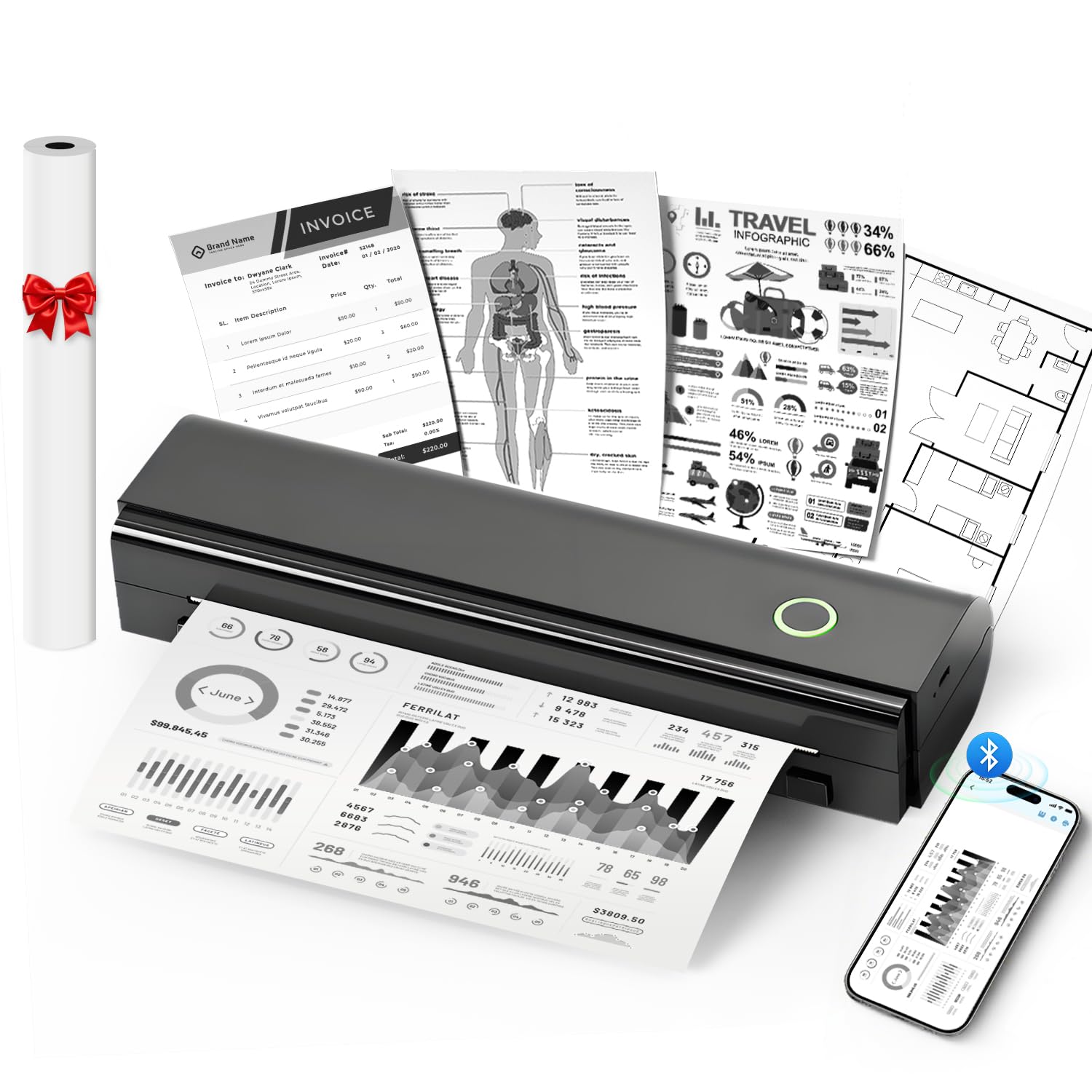
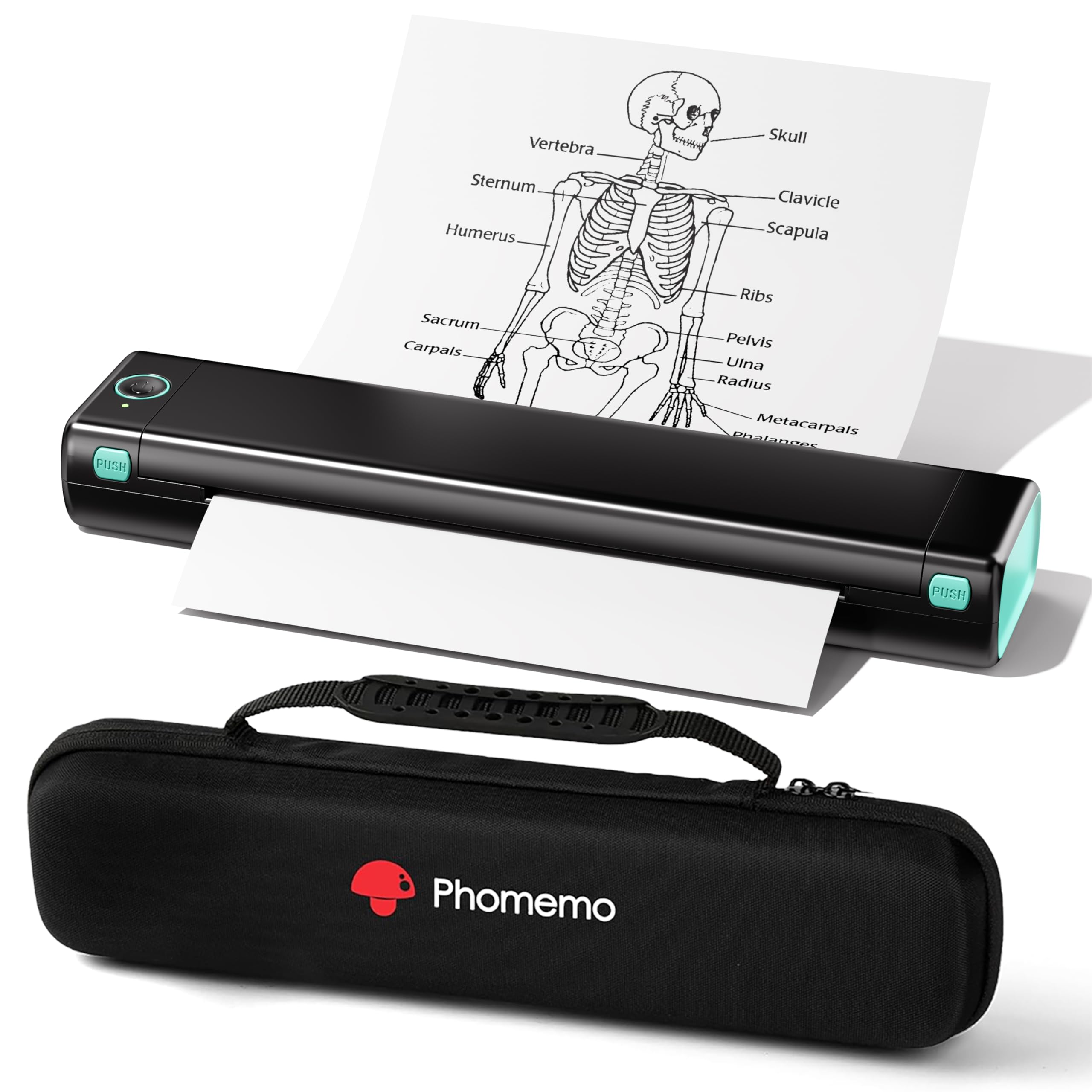


Best for Document Printing Travel
HP OfficeJet 200
Key Features
- Size & Weight: 14.3×7.3×2.7 in, 4.85 lbs
- Battery: Included, fast charge
- Print Technology: Inkjet
- Paper Capacity: 50 sheets
- Connectivity: Wi-Fi Direct, Bluetooth
- Price: $$$
The HP OfficeJet 200 weighs under 5 pounds and packs a battery that charges fully in 90 minutes — enough juice for a day of travel printing. Print speeds are notably faster than other mobile inkjets, churning out a black-and-white page in about 10 seconds. That combination of portability and pace makes it a natural fit for business travelers who need to produce documents between meetings or at the airport.
Output quality is strong for an inkjet of this size. Text is crisp, and graphics hold up well for client-facing handouts or proposals. The HP Smart app gets you up and running in minutes, handling Wi-Fi Direct and cloud print services without much fuss. For daily use, the 50-sheet paper tray is adequate for a short trip, though heavy multi-page jobs require refilling.
The real tradeoff lies in wireless connectivity. With some Windows computers, the connection can drop or struggle to pair initially — a frustration when you’re trying to print quickly. This is less of an issue with Mac and mobile devices, and the printer itself is otherwise dependable. A small number of units have also shown operational issues after a few weeks of moderate use, so there’s a minor reliability gamble involved. For travelers who need color printing on the go and can accept the occasional hiccup, this is the best option available.
The OfficeJet 200 does not include a scanner or copier, so it’s strictly a print-only device. If you need those functions, consider the OfficeJet 250, though that model comes with its own battery life and cost tradeoffs. For pure mobile printing — especially when color matters and speed is a priority — the OfficeJet 200 earns its premium price tag.
Pros
- Built-in battery with rapid 90-minute charge enables full-day travel printing.
- High print quality for both documents and graphics.
- Fast print speeds for a mobile inkjet, roughly 10 seconds per page.
- Easy setup and intuitive HP Smart app for wireless and cloud printing.
Cons
- Wireless connectivity may drop or have pairing issues, especially with some Windows computers.
- A small number of units have experienced operational issues after moderate use over several weeks.
If you need color printing on the road and value speed and quality over the lowest cost, the OfficeJet 200 delivers — just keep a backup connection method handy for tricky Windows setups.
Best for Budget Text Printing
NDYIN N80
Key Features
- Size & Weight: 11×3.3×2 in, 1.7 lbs
- Battery: Built-in 2600mAh
- Print Technology: Thermal
- Paper Capacity: 160 sheets roll
- Connectivity: Bluetooth
- Price: $
The N80 delivers full letter-size thermal printing at a price that undercuts the competition, offering clear text output and a battery that lasts through a travel day. Its lightweight, compact body slips into any bag without adding noticeable bulk.
This printer suits travelers and students who need to print black-and-white documents occasionally and want to avoid ink cartridges entirely. The thermal paper is thinner than standard copy paper, and its long-term track record is still being established — early adopters should be comfortable with that tradeoff.
Bluetooth pairing with certain devices may require a second attempt, but once connected, the N80 prints reliably at a pace that handles a few pages without delay. For quick document printing on the road, it gets the job done with minimal fuss.
Pros
- Fits in a backpack without adding noticeable weight or bulk.
- Bluetooth setup is quick and straightforward with most phones and laptops.
- Text comes out sharp and readable for a thermal printer.
- Battery-powered and ink-free, delivering exceptional value for the price.
Cons
- Prints only in black and white — not suitable for color documents or photos.
- Bluetooth pairing may need a second attempt with some phones or laptops.
For travelers who need to print the occasional black-and-white document and want to keep costs low, the N80 delivers where it counts — portability, battery life, and zero ink expenses.
Best for Inkless Document Printing
Phomemo M08F
Key Features
- Size & Weight: 13.7x4x3 in, 1.57 lbs
- Battery: Built-in
- Print Technology: Thermal
- Paper Capacity: 140 sheets roll
- Connectivity: Bluetooth
- Price: $
The Phomemo M08F eliminates ink costs and cartridges entirely – thermal paper does the work. It comes with a carrying case, weighs just 1.57 lbs, and fits into a backpack. Setup through the Phomemo app takes minutes, printing letter-sized documents from a phone or laptop without any messy refills.
This printer suits travelers who need occasional black-and-white handouts, boarding passes, or forms and want to avoid the hassle of ink refills and clogs. The thermal technology means prints are monochrome and can appear faint on standard paper – using premium thermal paper improves contrast. Battery life is sufficient for a short trip, and the built-in rechargeable battery adds convenience. Connectivity via Bluetooth can occasionally drop, mostly when the device is moved out of range; keeping the phone or laptop close minimizes interruptions.
Some units may experience operational issues after several months of use, particularly under frequent travel conditions. This is a tradeoff typical of budget thermal printers – for occasional use or light travel, the M08F remains a practical choice. If you need color or high-volume reliability, the HP OfficeJet 200 (the top pick) is worth the higher upfront and ink costs.
Pros
- Includes a carrying case and weighs under 1.6 pounds, easy to pack.
- No ink or toner – thermal paper is the only ongoing cost.
- Quick app-based setup; prints directly from phone or laptop.
- Compact footprint saves desk space when used at home between trips.
Cons
- Print quality is monochrome and can appear faint – upgrading to premium thermal paper helps.
- Bluetooth connection may drop when the device moves more than a few feet away.
- Some units may become unreliable after several months of regular travel use.
For travelers who print black-and-white documents occasionally and want to dodge ink costs, the M08F is a budget-friendly companion – just keep a spare roll of premium thermal paper handy.
Best for Photo Printing Travel
Canon Selphy CP1500
Key Features
- Size & Weight: 7.2×5.2×2.3 in, 3.5 lbs
- Battery: Optional
- Print Technology: Dye-sublimation
- Paper Capacity: 1 sheet
- Connectivity: Wi-Fi, SD card
- Price: $$
The Selphy CP1500 delivers dye-sublimation photo prints that match the color accuracy and longevity of professional lab work. Its compact frame fits into a daypack, and each 4×6-inch print finishes in under a minute — a pace that makes batch printing on the road practical, especially when paired with the optional battery.
Wireless setup via the mobile app or SD card is straightforward, though connectivity can be temperamental in some situations — a dropped connection during a print session is a possibility to account for. Over months of use, a minority of units may develop mechanical quirks, so checking for firmware updates and handling the printer gently is advisable.
This printer is for photography enthusiasts who prioritize output quality over absolute portability. The battery pack is sold separately, adding cost and bulk, and the paper tray holds only a single sheet — you feed each page manually. Travelers who want to print documents or multiple prints in quick succession will find the HP OfficeJet 200 a more practical all-in-one, but the Selphy’s print quality is in a different league.
Pros
- Dye-sublimation prints with lab-like color accuracy and fade resistance
- Setup is quick via app or direct SD card slot
- Each print finishes in roughly 55 seconds
- Slim profile relative to desktop photo printers
Cons
- Some units may exhibit print quality or mechanical issues after extended use
- Wi-Fi and app connectivity can drop mid-session in certain environments
- Battery pack ($60+) required for portable use, and single-sheet feed limits batch printing
If your travel priority is photo quality — the kind that ends up in albums or galleries — the Selphy CP1500 delivers that at a reasonable per-print cost. Be prepared to feed paper one sheet at a time and budget for the battery pack if you plan to use it away from power outlets.
Best for Text Printing Bundle
Gloryang Inkless
Key Features
- Size & Weight: 11x4x4 in, 1.75 lbs
- Battery: Built-in
- Print Technology: Thermal
- Paper Capacity: 3 rolls included
- Connectivity: Bluetooth
- Price: $
The Gloryang Inkless uses thermal technology, which means there are no cartridges to replace and no ink stains to worry about. It comes ready to go with three rolls of paper and a padded case, making it a self-contained travel kit. Because it prints in black-and-white only and relies on heat-activated paper, output is best suited for text-heavy documents like contracts, itineraries, or forms. Graphics and photos appear washed out or lacking detail, so this isn’t a choice for image work.
This printer fits the needs of mobile professionals who need quick, low-cost text prints on the go. Truck drivers, notaries, and budget travelers will appreciate the light 1.75 lb weight and built-in rechargeable battery. The tradeoff is that Bluetooth pairing can take a few tries with some phones, and thermal paper prints can fade if stored in a hot car. Print quality is adequate for reading, but very small fonts or dense tables may come out slightly fuzzy. Those who need crisp text or occasional color should look toward an inkjet portable instead.
Pros
- Ultralight body with carrying case for easy packing
- Zero ink costs — thermal paper is the only ongoing expense
- Simple setup via the mobile app, no driver installation needed
Cons
- Text clarity may be lacking for very small fonts or dense layouts when using low‑quality paper
- Bluetooth can require repeated pairing attempts, particularly with newer smartphones
- Some units may stop functioning after several months of regular use
For anyone who only needs basic black-and-white text prints while traveling and wants to skip the recurring cost of ink, this bundle delivers a practical, everyday solution with a few connectivity quirks to work around.
Best for Quality Inkjet Printing
Canon PIXMA TR150
Key Features
- Size & Weight: 12.7×7.3×2.6 in, 4.5 lbs
- Battery: Optional
- Print Technology: Inkjet
- Paper Capacity: 50 sheets
- Connectivity: Wi-Fi
- Price: $$
The Canon PIXMA TR150 produces sharp text and vibrant photos on standard letter-size paper, with an inkjet quality that matches many desktop printers. Its compact frame (12.7 x 7.3 x 2.6 inches) and 4.5-pound weight make it easy to pack in a carry-on or backpack — as long as you have access to power.
Wireless setup from laptops and mobile devices is generally quick, though the connection may drop unexpectedly during longer print jobs — a USB cable can serve as a reliable fallback. Paper feed consistency varies across units: most handle the 50-sheet tray without trouble, but occasional jams have been reported.
This printer suits travelers who prioritize print quality over battery independence and are comfortable plugging into USB power on the go or ordering the optional battery ($100 extra). If you need a truly cordless experience out of the box, the HP OfficeJet 200 — with its included battery — offers a more complete travel package.
Pros
- Compact and lightweight, fits easily in a bag
- Print quality rivals larger home-office inkjets
- Wireless setup works smoothly from laptops and phones
Cons
- Wireless connection can drop mid-print in some cases
- Paper feed mechanism may jam occasionally on some units
- No battery included — requires optional purchase or constant USB power
Ideal for those who need high-quality prints on the go and can access USB power or invest in the optional battery — not the best pick for untethered travel without extra expense.
Best for Budget Text Printing
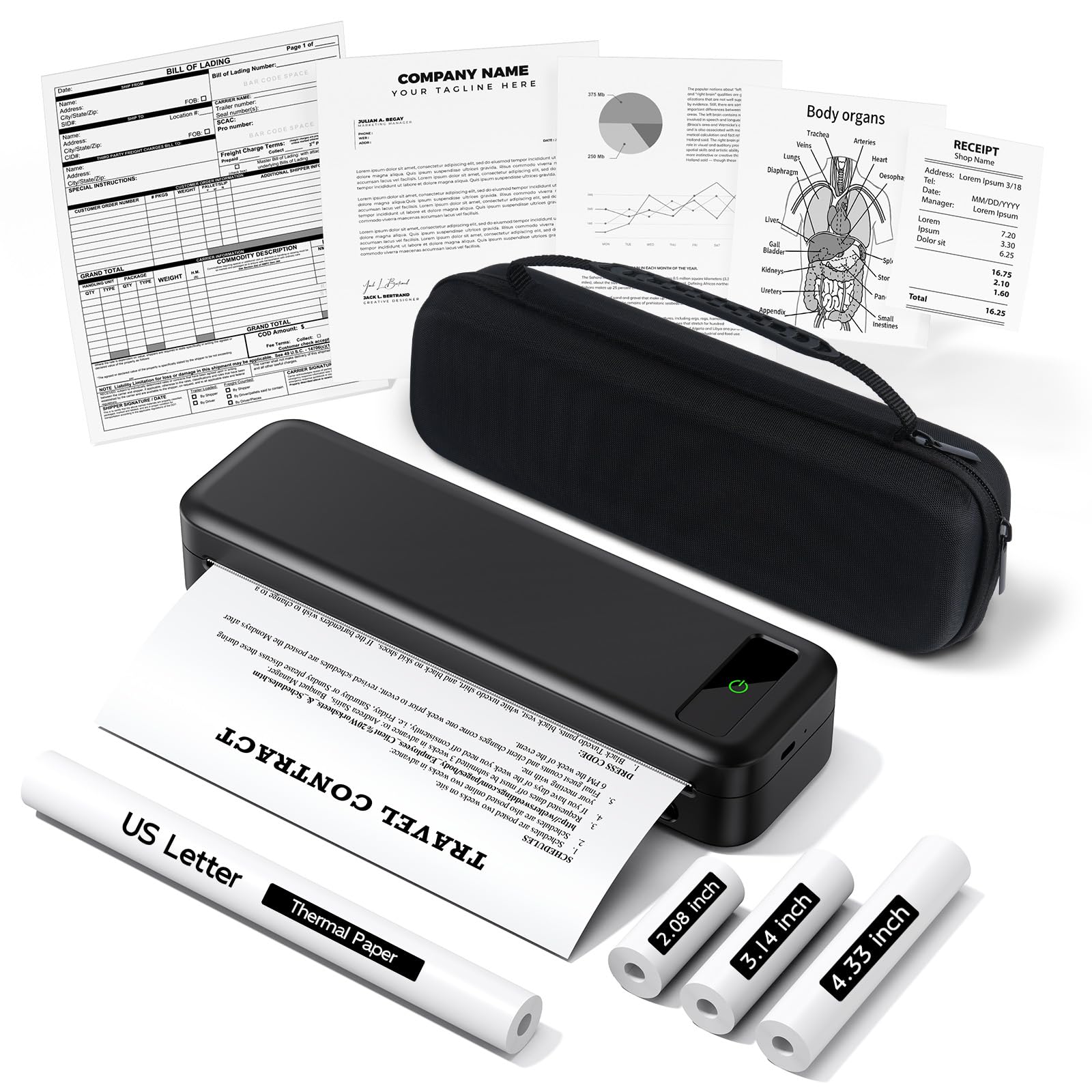
TATTMUSE A285M
Key Features
- Size & Weight: 10.39×3.07×1.77 in, 1.5 lbs
- Battery: Built-in 2600mAh
- Print Technology: Thermal
- Paper Capacity: 160 sheets roll
- Connectivity: Bluetooth
- Price: $
The TATTMUSE A285M is notably lightweight and comes with a carrying case and four rolls of thermal paper right out of the box. Setup via the app is quick, and the lack of ink cartridges keeps operating costs near zero. However, print quality is limited to monochrome text, and the output can appear fuzzy or uneven — fine for notes and forms, not for documents that need to look crisp. Bluetooth connectivity may drop during longer print jobs, so keeping the printer close to your phone helps. With a lower satisfaction rating compared to other thermal options, this model suits occasional use rather than daily dependence.
Pros
- Weighs only 1.5 lbs and fits in most backpacks with its included case.
- No ink or toner needed — thermal printing keeps per-page costs negligible.
- Comes with four rolls of thermal paper, so you can start printing immediately.
Cons
- Text output can be fuzzy or uneven on thermal paper — acceptable for drafts, not for final copies.
- Bluetooth pairing may drop during longer print tasks; keeping the device nearby reduces issues.
A budget-friendly option for travelers who only need black-and-white text occasionally and want to avoid ink costs — but the print quality and connectivity don’t match top-rated thermal printers.
Best for Sticker Photo Prints
Canon Ivy 2

Key Features
- Size & Weight: Pocket-sized, 0.32 lbs
- Battery: Built-in
- Print Technology: Zink
- Paper Capacity: 10 sheets pack
- Connectivity: Bluetooth
- Price: $$
The Canon Ivy 2 is among the most portable photo printers you can pack — it slips into a jacket pocket and uses Zink technology, so there are no ink cartridges to carry. The Canon Mini Print app makes cropping and printing from your phone simple. Where it falls short for travel use is color accuracy: prints often carry a blue tint, and the resolution is modest, making this best for casual stickers rather than true-to-life snapshots. The per-print cost also adds up compared to standard photo prints. For travelers who prioritize convenience over precise color and want sticky-backed prints for journaling or scrapbooking, this is a fun sidekick. But if reliable, high-quality photo memories are the goal, the color compromise and occasional unit issues mean it’s better as a secondary gadget.
Pros
- Fits in a pocket — extremely lightweight for on-the-go printing.
- Easy setup and app integration — print directly from iOS or Android.
- No ink to buy — Zink paper is the only consumable.
Cons
- Color output often leans blue or dark — fine for stickers but not for accurate photo reproduction.
- Print resolution is modest — suitable for casual use but not for high-detail photos.
Best for travelers who want instant sticker prints for journals and don’t mind a blue cast — skip it if color accuracy matters.
Best for All-In-One Portable
HP OfficeJet 250

Key Features
- Size & Weight: 14.96×7.8×3.6 in, 6.5 lbs
- Battery: Included, fast charge
- Print Technology: Inkjet
- Paper Capacity: 50 sheets
- Connectivity: Wi-Fi Direct
- Price: $$$$
The HP OfficeJet 250 packs print, scan, and copy into a portable battery-powered package, delivering good document and photo quality from a compact body. However, compared to the top pick OfficeJet 200, it is heavier and more expensive to operate — ink cartridges cost a premium. Battery life can be shorter than expected, and some units have shown battery degradation. This makes the OfficeJet 250 best suited for mobile professionals who need all-in-one capability and are willing to work around the battery quirks and higher running costs.
Pros
- Portable all-in-one with built-in battery for print, scan, and copy on the go.
- Excellent print quality for both documents and photos.
- Compact size for a multifunction device.
Cons
- Battery life may be shorter than expected; some units can stop holding a charge over time.
- Ink cartridges are premium-priced, raising per-page costs.
A solid pick for field workers who need scanning and copying on battery power, provided they budget for ink and accept that battery life may taper off.
Best for Budget Inkjet Printing
Canon PIXMA TR160

Key Features
- Size & Weight: 12.7×7.3×2.6 in, 4.5 lbs
- Battery: None (optional)
- Print Technology: Inkjet
- Paper Capacity: 50 sheets
- Connectivity: Wi-Fi
- Price: $$
The Canon PIXMA TR160 delivers sharp text and decent photo prints from a package that slips into a backpack. The Canon PRINT app makes initial setup simple for most users. However, its portability is capped by the missing battery — you’ll need an additional $100 accessory for cordless use. Wireless connections can also be temperamental in areas with many competing signals. Compared to the HP OfficeJet 200 which includes a battery and has fewer wireless hiccups, the TR160 is better suited for desk-adjacent travel rather than true on-the-go printing.
Pros
- Compact and lightweight design fits into a backpack easily.
- Produces clear documents and vibrant photo prints for its size.
Cons
- Wireless connection may drop during printing in busy environments, requiring reconnection.
- Printer requires a wall outlet or an optional $100 battery for cordless use – not truly portable out of the box.
Best for travelers who can plug into a wall outlet or already own the optional battery – for true cordless printing, the HP OfficeJet 200 is a more complete package.
How to Choose
The single most important factor for a travel printer is whether it has a built-in battery – without it, you’re limited to printing near an outlet.
Size & Weight
Lighter printers are easier to pack, but weight often correlates with print technology. Thermal models typically weigh under 2 lbs, while inkjets with batteries can push 5 lbs.
A lighter printer usually means a smaller paper tray or roll, which might require more frequent paper changes during a trip.
Built-in vs Optional Battery
A built-in battery is the difference between true portability and needing to hunt for an outlet. Optional battery packs add $60-$100 and require carrying an extra component.
Built-in batteries typically last 20-50 inkjet pages or 100-160 thermal pages per charge. Fast-charge features (90 minutes to full) are a practical advantage for travelers with tight itineraries.
Inkjet vs Thermal
Inkjet printers produce sharp color text and photos, but require periodic use to prevent dried nozzles and ongoing ink purchases. Thermal printers skip ink entirely, with paper costing pennies per page.
The catch: thermal output is monochrome only, and the paper can fade under prolonged heat or sunlight. For documents that need to last, inkjet is the safer bet.
Paper Capacity
Paper capacity directly affects how often you need to reload during a trip. Inkjets typically hold 50 sheets of cut paper, while thermal printers use rolls that can yield 140-160 pages.
Roll-fed thermal printers are lighter but produce a different paper feel. If you need to print mixed document types, a cut-sheet inkjet is more versatile.
Wireless Reliability
Wireless connectivity is the most common source of frustration across all portable printers. Wi-Fi Direct tends to be more stable than public network connections, while Bluetooth can drop when multiple devices are paired.
Before relying on a printer for important documents, test the connection at home. Many models also support USB or memory card printing as a fallback.
FAQ
Why does my portable printer keep disconnecting from Wi-Fi on the road?
Most portable printers use direct Wi-Fi or Bluetooth, which are susceptible to interference from hotel networks and other devices. To minimize drops, use Wi-Fi Direct mode if available, and avoid having multiple devices connected simultaneously. If problems persist, a cable connection may be the most reliable fallback.
Can a thermal printer produce acceptable quality for legal documents?
Thermal printers produce crisp black-and-white text that is acceptable for internal documents or receipts. However, the paper is thinner and may not hold up to filing or official signatures. For legal documents requiring durability or color, an inkjet is necessary.
How many pages can a portable inkjet printer realistically print on a single charge?
Inkjet batteries typically provide 20-50 pages per charge depending on content density. The HP OfficeJet 200 claims 500 pages but real-world estimates are closer to 100-150. Always carry a charger and consider a model with fast charge if you need extended use.
Is a printer without a built-in battery worth buying for travel?
Only if you are certain you will have access to a USB power bank or wall outlet at all times. The extra $100 battery pack and the need to carry it reduces the portability advantage. For most travelers, a model with an included battery is a better investment.